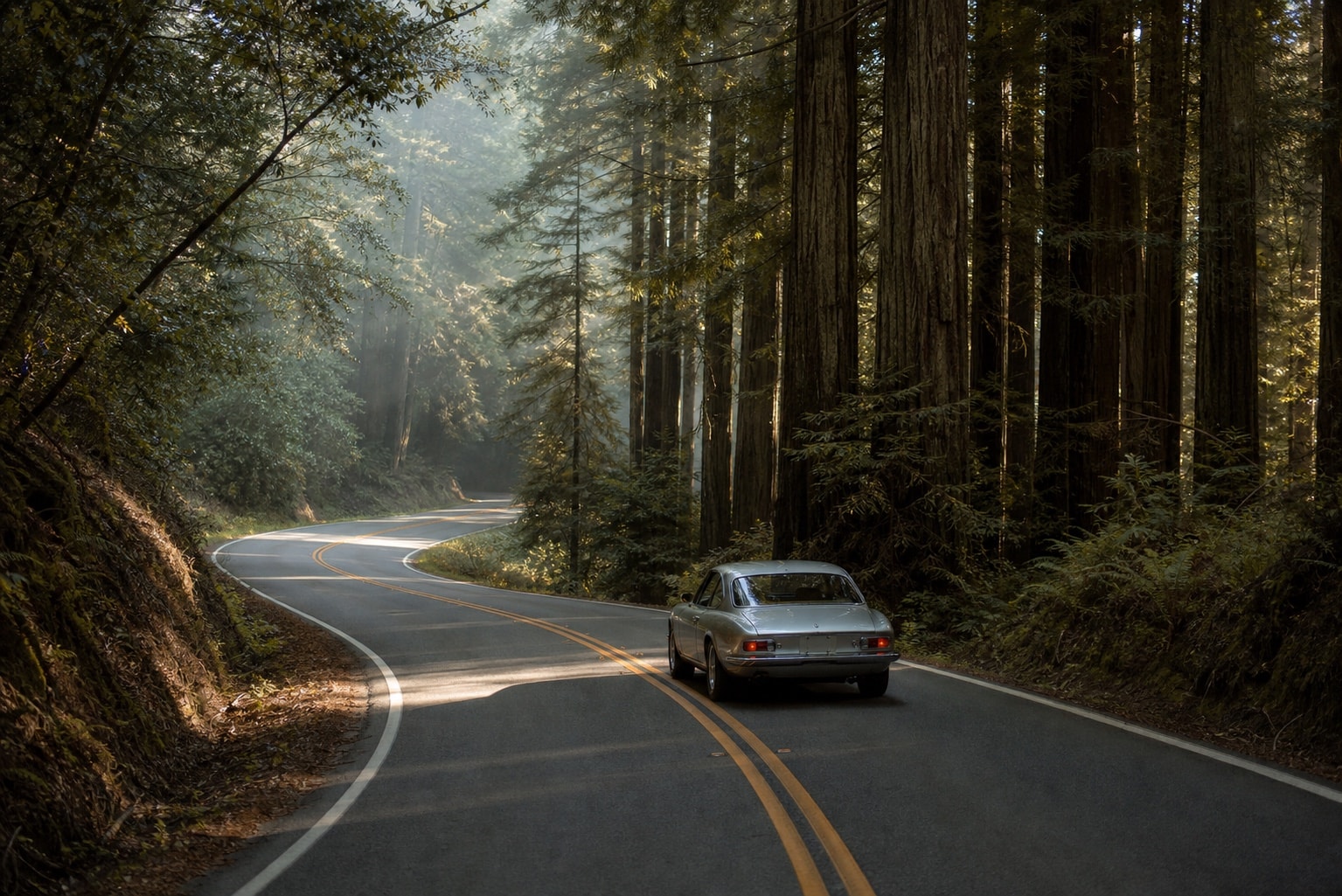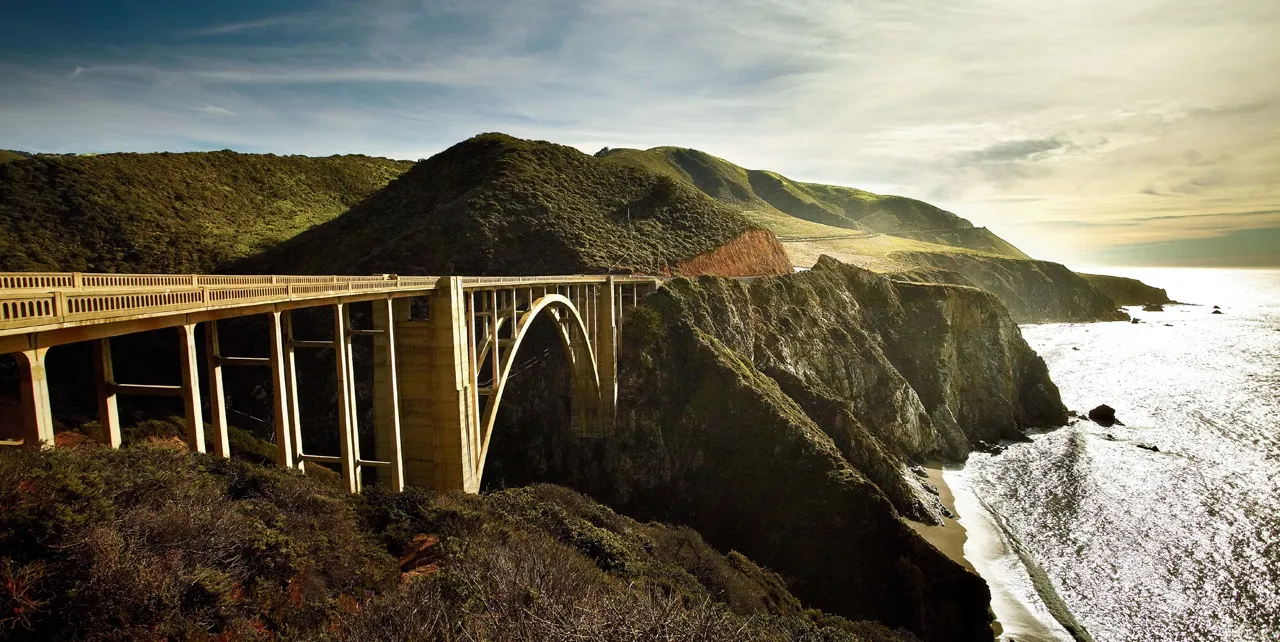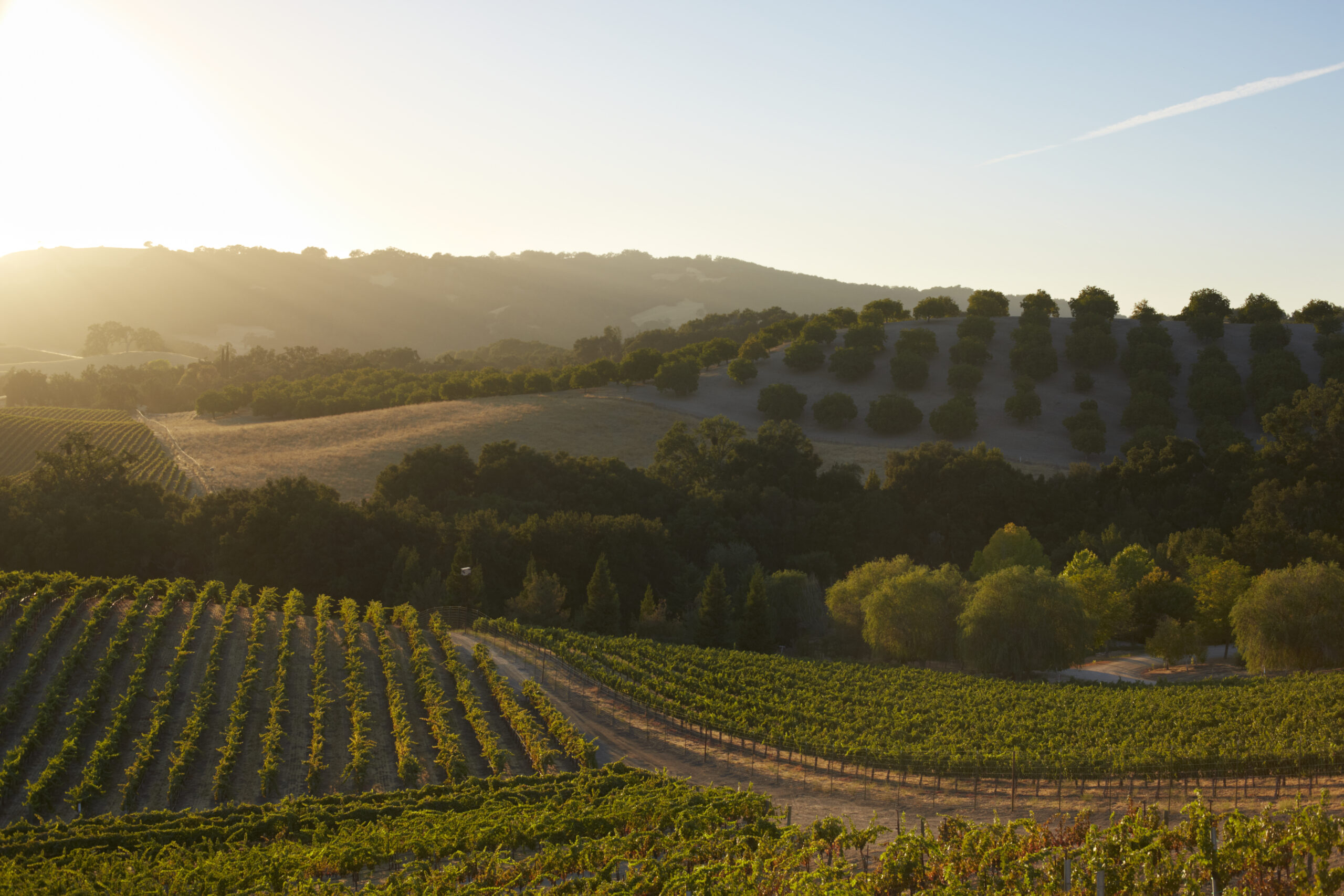

A scenic route planner helps you choose the roads, stops and pace of a journey. Start with the time you have and the experience you want, then check whether the route works on your travel dates. A beautiful line on a map is only the beginning.
This guide explains how to build a scenic drive. If you are choosing between planning websites and apps, use our road-trip planning tools comparison.
Start with the day you want to have
Choose one main reason for the drive: a stretch of coast, a mountain landscape, a village lunch or time in wine country. Give that experience enough room before adding more stops.
- Available time: include the journey from home or your hotel to the route and the return afterwards.
- Driving appetite: decide how long you want to spend behind the wheel, including slow roads and traffic.
- Stops: choose the places you would regret missing, then treat everything else as optional.
- Practical needs: consider passengers, walking distances, fuel or charging, luggage and the vehicle you will use.
There is no useful universal mileage target. A short mountain route with walks and narrow roads can fill a day; a longer motorway transfer serves a different purpose. Compare driving hours and stop time before comparing miles.
Build the route in five steps
1. Fix the start, finish and overnight base
Mark where you will actually begin and end, rather than a nearby city centre. For a weekend, compare a loop from one base with a journey between two hotels. One base reduces packing; a point-to-point trip can reduce backtracking. Check parking and arrival arrangements directly with the property.
2. Select the roads you want to experience
Identify the important road sections between your destinations. Add intermediate points where needed and inspect the proposed path. A navigation app may offer a quicker alternative that misses the section you came to drive. Review any changed route when safely parked, and follow current signs and restrictions.
3. Budget the whole day
Add driving estimates, meals, walks, fuel stops and parking time. Then leave a margin for delays and unplanned stops. A map’s arrival estimate does not include the afternoon you want to spend exploring a town.
For example, a hypothetical six-hour outing might allow three hours of driving, one hour for lunch, one hour for stops and one hour of spare time. This is a planning exercise, not a timing estimate for a particular Drive Pack. If your desired stops exceed the day, remove one or add a night.
4. Check access before committing to bookings
Check the relevant road authority and park operator for closures, vehicle restrictions and access requirements. In California, use Caltrans QuickMap and the Highway 1 road report. For a Yosemite crossing, consult the National Park Service’s Tioga Road guidance.
Check rules for your dates rather than repeating last year’s advice. For example, Yosemite’s official reservation guidance says it is not using a timed entrance reservation system in 2026. That does not establish that every road is open or that accommodation, camping and activities need no reservations.
5. Keep a shorter alternative
Identify which stop or section you can omit without making the rest of the day awkward. If a closure breaks the route, choose a different plan rather than improvising a detour along unfamiliar minor roads. Recheck conditions before departure and during longer trips.
Three California starting points
| Drive Pack | Consider it when | Check before choosing |
|---|---|---|
| Bay Area Skyline | You want a Bay Area day drive centred on the peninsula’s ridge roads. | Add your travel to and from the route to the published one-day plan. |
| Big Sur Classic | You want a coastal journey with time for viewpoints and overnight stops. | Read the route’s current notice and check Highway 1 access before booking. |
| Paso Robles Wine Country | You want to combine a regional drive with time based in wine country. | Arrange tasting reservations and transport separately from your driving plan. |
Use the California route comparison to compare location, duration and character. These are separate regional itineraries; buying several does not turn them into one continuous navigation route.
How to use The Stable alongside your maps app
The Stable offers a collection of curated Drive Packs. Start with a public preview to assess the route and the resources listed for its paid edition. Rally Points divide the drive into manageable sections, with navigation links that open in Google Maps or Apple Maps. The roadbook supplies context and planning guidance alongside that navigation.
Review the route before leaving, open the relevant section while parked and check that the destination and proposed road match your plan. Save the available roadbook and prepare your maps app for limited reception before travelling. A saved PDF does not make the member website or every navigation feature work offline.
You arrange your own accommodation, meals and other bookings. Confirm parking, access and opening hours directly; a recommendation is not a reservation or a guarantee of availability. See the Drive Pack and navigation FAQ for practical use.
Plan wine-country stops separately from driving
If tasting is part of the day, arrange a non-drinking driver or suitable transport in advance. Choosing morning driving and afternoon tasting does not, by itself, solve the journey back to your accommodation. Keep that return trip in the plan.
Make a roadbook you can use at a stop
- Start and finish locations, overnight addresses and parking instructions.
- The road sections and stops you want to keep, in order.
- Driving estimates with separate time for meals, visits and delays.
- Booking confirmations and any access conditions.
- Fuel or charging plans checked against your vehicle and the route.
- Official condition links, a shorter option and the date you last checked.
For a wider journey, our road-trip itinerary guide helps structure the days. When a published route fits your plans, compare a single Drive Pack with territory or Global access on the membership page.
Planning guidance and linked product information reviewed 20 September 2026. Confirm road access and venue arrangements for your own dates.